
How do the TWS Bluetooth Earbuds charge current?
After buying the TWS Bluetooth headset, some users will have questions, how to charge the Bluetooth headset without a cable? Can Bluetooth headsets be used with mobile phone chargers? The charging problems of these Bluetooth headsets may be encountered in use. Today, I will share with you some tips on charging TWS Bluetooth headsets.
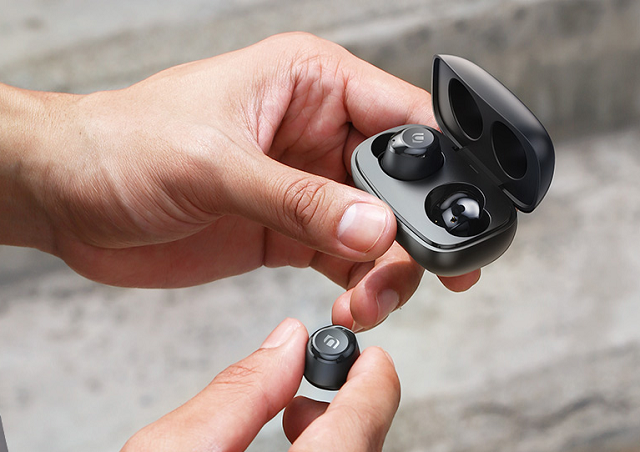
The general TWS Bluetooth headset is divided into two parts: the headset itself and the headset box (charging compartment)
1. Charging method of TWS Bluetooth headset
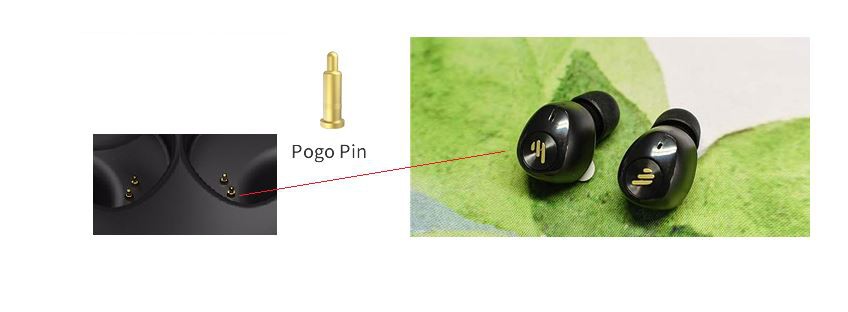
The headset itself does not have a charging interface, and can only be charged through the charging compartment. Put the earphones into the charging compartment, and with the help of the two metal contacts connected, the charging compartment can automatically charge the earphones, usually within 2 hours.
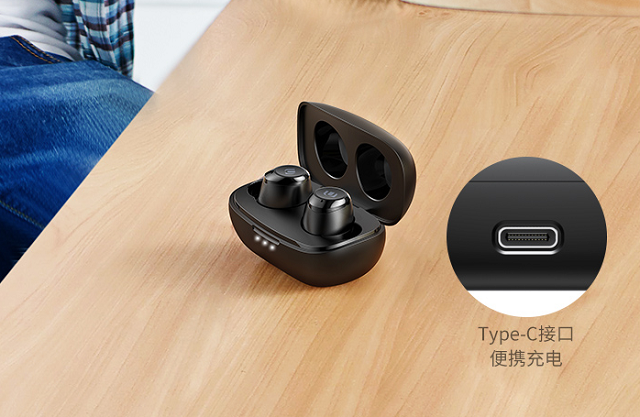
Take our customer's brand TWS Bluetooth headset as an example. The battery capacity of the headset is 60mAh. Put the dead headset back into the box, and it can be fully charged in 1.5 hours.
Charging method of TWS Bluetooth headset

Second, the charging method of the charging box
The charging compartment is like a power bank for earphones. It has its own charging interface. It is generally designed on the back of the charging compartment. The interface is divided into Micro USB and Type-c. Apple AirPods use the Lightning interface. Select the corresponding data cable when charging. That's it. As for the charging head, you can use the charging head of the mobile phone or tablet.
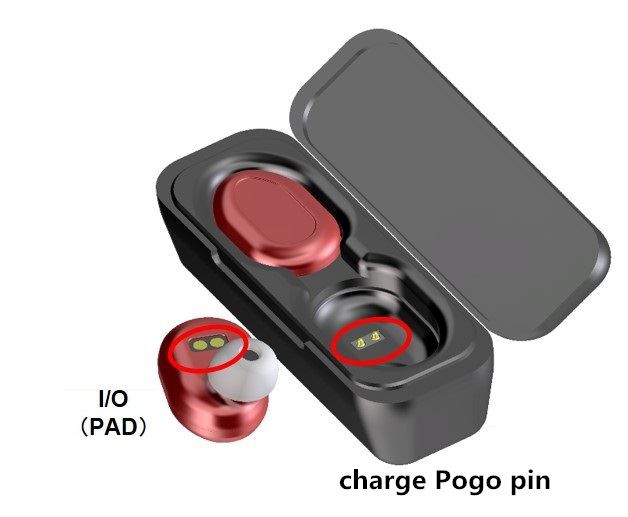
Taking our customer's brand TWS Bluetooth headset as an example, the charging compartment uses a lithium-ion battery with a capacity of 300mAh, and the headset can be charged 3 times when fully charged. TWS itself has a Type-c charging port, and the supported power is:
Input: 5V/500ma
Output: 5V/80ma (to charge the headset)
It can be charged with a regular type-c data cable, and the indicator light will flash to remind you when charging.
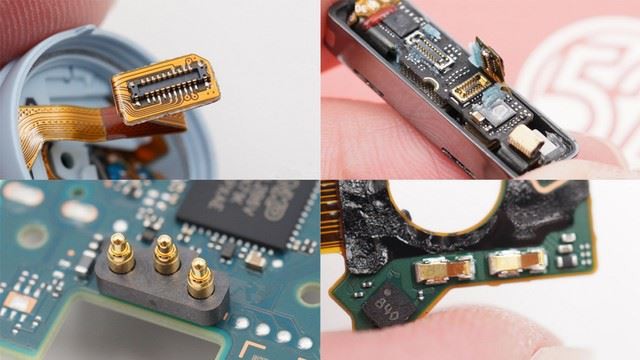
How to charge the charging compartment
Here's an addition: some TWS Bluetooth headsets support wireless charging, such as Apple AirPods/Pro, which is compatible with the Qi wireless charging protocol, so you can use the protocol's two-in-one wireless charger to charge it, and the charging power of the wireless charging And the duration is basically the same as the wired one.

Common FAQs about TWS Bluetooth headset charging
3. Common FAQs for TWS Bluetooth headset charging
Q1: Can the charger of the mobile phone and tablet charge the TWS Bluetooth headset?
A: Absolutely. Pay attention to the corresponding data cable interface. For example, the Greenlink TWS charging box is a c port, and a Type-c data cable is required.
Q2: Will using a high-power charger for a mobile phone or tablet damage the headset?
A: No. There is a current-limiting protocol inside the charging compartment. When charging with a high-power charger, the current will be limited to 500ma. So even with a 100W power charger, the actual charging of the headset is only about 2W, which has no effect on the headset.

Q3: Is there any impact on continuing to charge after fully charged?
A: No. The charging compartment uses a lithium-ion battery, which has anti-overcharge protection. After it is fully charged, the charging will be automatically turned off, and the indicator light will no longer flash, so it has no effect if the charger is not unplugged.